
Buttons (Floor Button, Wall Button, Control Panel Button)
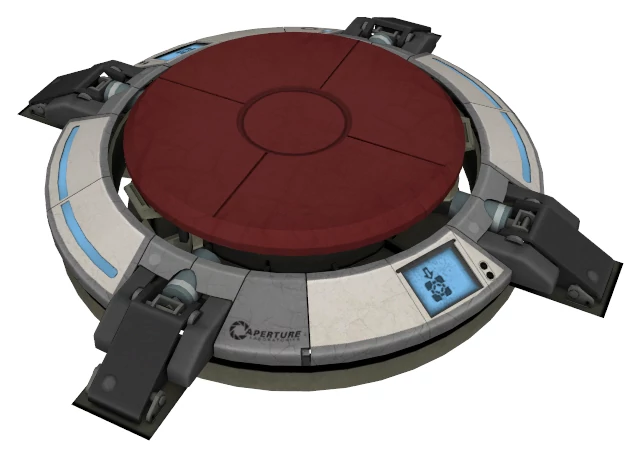
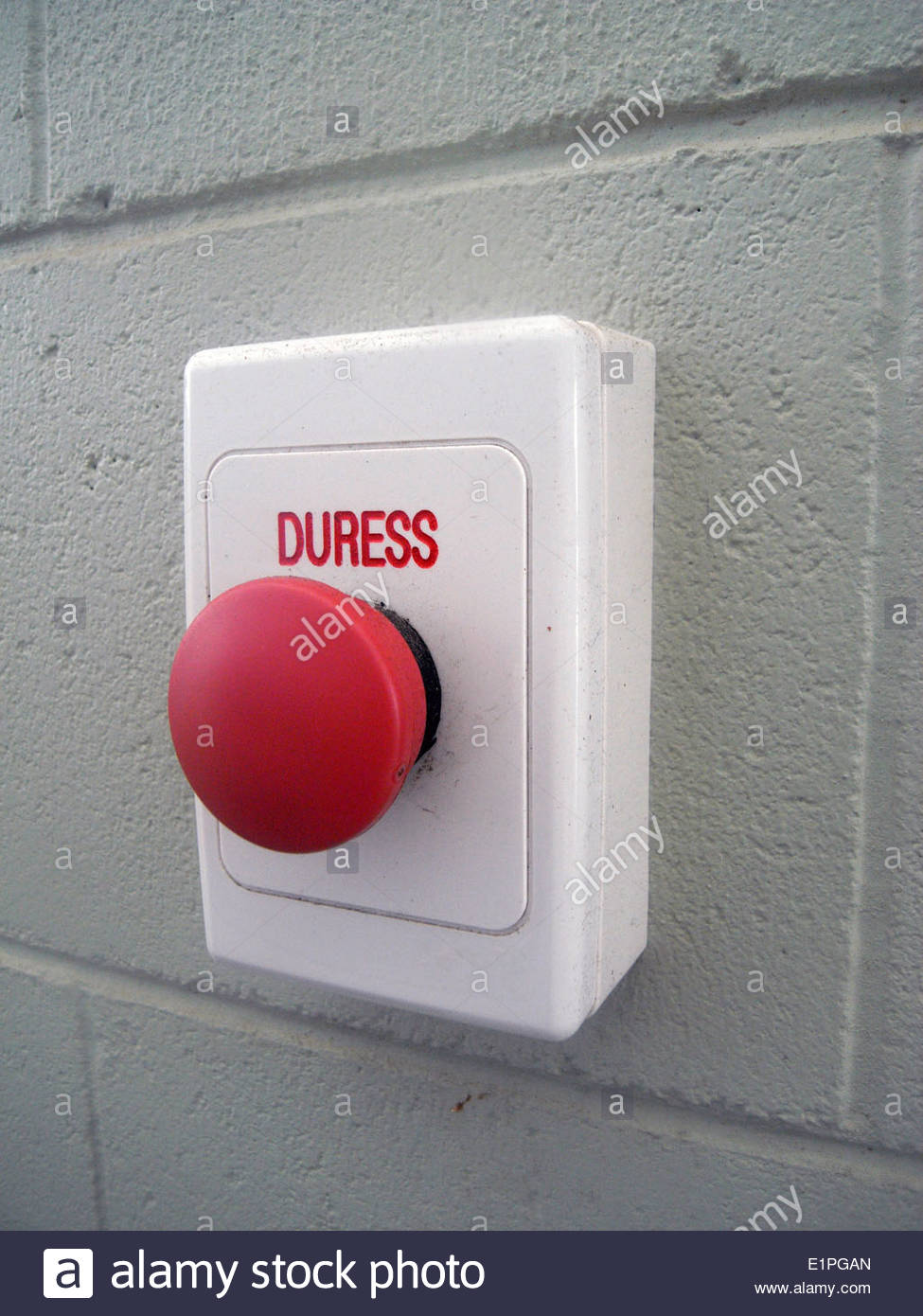
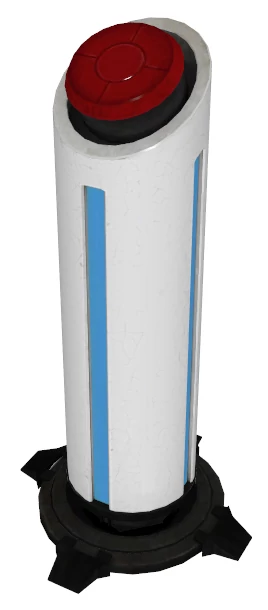
DescriptionWho goessaid here.
we had to be original? Buttons open doors and activate elevators. Each button is paired up with a door (or elevator) by the level designer. Any type of button can be paired up with any type of door (or elevator). The difference is what it takes to activate each button. The Floor Button can only be activated by Chucky standing on it. The Wall Button can only be activated by Chucky hitting it with a coconut. And the Control Panel Button can only be pressed by Dexter.
Dimensions
placeholderWidth: 2 tiles, Height: 1 tile (Floor Button)
Mechanics
placeholderFloor Button - only activated by Chucky standing on it (deactivates when he steps off).
Sprites
placeholderHeavy Floor Button (base layer + moveable button layer that lights up)